Two-Factor Check
Extra code for unfamiliar sign-ins

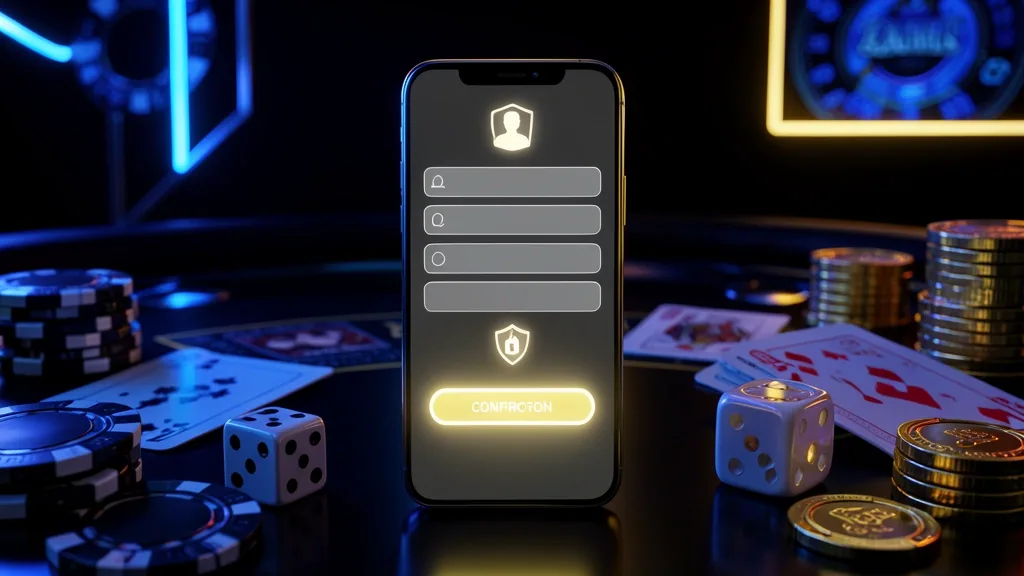
A player's practical account notes
I first opened VAGGO24 while checking a Bangladesh Premier League score on my phone, and the sign-in screen looked simpler than expected. The useful part was knowing which details belonged in each field.
This guide covers access, registration, recovery, device choices, and basic account protection. The usual login takes around ten seconds once your account is ready.
Open VAGGO24 in your browser or app and find the Login control near the upper-right area. Select it to open the account form.
Use either the phone number or username connected to your profile, enter the password, and confirm. If you enabled biometric access in the app, that can replace manual typing.
Available sign-in routes include:
| Route | Action | Approximate time |
|---|---|---|
| Phone and password | Fill in both fields | About 10 seconds |
| Username and password | Enter saved credentials | About 10 seconds |
| App biometric access | Fingerprint or face scan | About 2 seconds |
On a family phone, office computer, or cyber café device, leave any remember-me option disabled. Sign out before handing the device back.
A new VAGGO24 profile can be started with a few practical details:
After confirmation, you can look around the casino and game areas before deciding whether to add funds.
The initial form generally does not require:
Keep your registered number active because it is central to OTP checks and later account recovery.
With your phone beside you, the basic account flow is short:
Once the account opens, you can browse the available sections before making a deposit. Additional identity checks may appear later when an account requests a withdrawal.
Treat the account like a wallet because it can contain real taka and personal information.
Helpful habits include:
A copied login screen can look convincing. Read the domain carefully, type the address yourself, and do not assume a padlock proves that the page belongs to VAGGO24.
Extra code for unfamiliar sign-ins
Read every domain character carefully
A forgotten password is usually recoverable through the number attached to your profile.
The normal process takes around two minutes when the phone has signal. Request a new code if the first one expires.
If the message is missing:
Confirm that cellular reception is available
Wait briefly before requesting another code
Switch between Wi-Fi and mobile data
Check whether an SMS filter is blocking short codes
If the registered SIM is no longer yours, contact support with your profile name, approximate signup period, recent deposit information, and NID details if requested. Manual checks take longer because the team needs to confirm ownership before changing the number.
The code goes to the registered number
Support verifies ownership before updating details
VAGGO24 can be reached from a phone browser, the Android app, or a desktop browser. Each option suits a different routine.
I prefer the mobile route for ordinary checks and use a laptop when comparing several cricket or football markets at the same time.
Convenient for everyday account access
Log out and remove saved credentials
When the form refuses to accept your details, use the support route shown on the official site.
A genuine support representative can guide a reset or request verification, but should not need to know the password itself. Stop the conversation if someone asks you to send it.
The entry process is straightforward once the registered number and password are at hand. Phone-based access also makes the first setup less complicated for people who do not want to add many details immediately.
The main inconvenience is usually outside the form itself: weak mobile reception, an old saved password, or an OTP delay can interrupt an otherwise short process.
My approach is simple: use a unique password, activate the extra verification option, and sign out whenever the device is not mine.

Home: account overview and main navigation
Casino: browse the casino lobby
Slots: view the slot catalogue
Games: open the wider game selection
Betting: check available sports markets
Bonus: review current promotional details
App: find the mobile application information
You generally begin with a Bangladesh mobile number, a password, and the SMS code sent during registration. Keep the number available for future checks.
You can access the profile from more than one device, although several unfamiliar sign-ins in a short period may prompt an additional SMS verification.
Check cellular reception, wait briefly, and request another code. Switching from Wi-Fi to mobile data can help when the network is delaying SMS delivery.
Use a unique password, enable two-factor verification, keep the app updated, and avoid entering credentials after following an unknown message link.
A number change may be possible after ownership checks. If you still have the old SIM, keep it active while following the account settings process.
The initial account form may not require document upload. Verification can be requested later for account, payment, or withdrawal checks.
Further attempts may be temporarily restricted as a security measure. Use the password recovery option rather than repeatedly guessing the old password.